
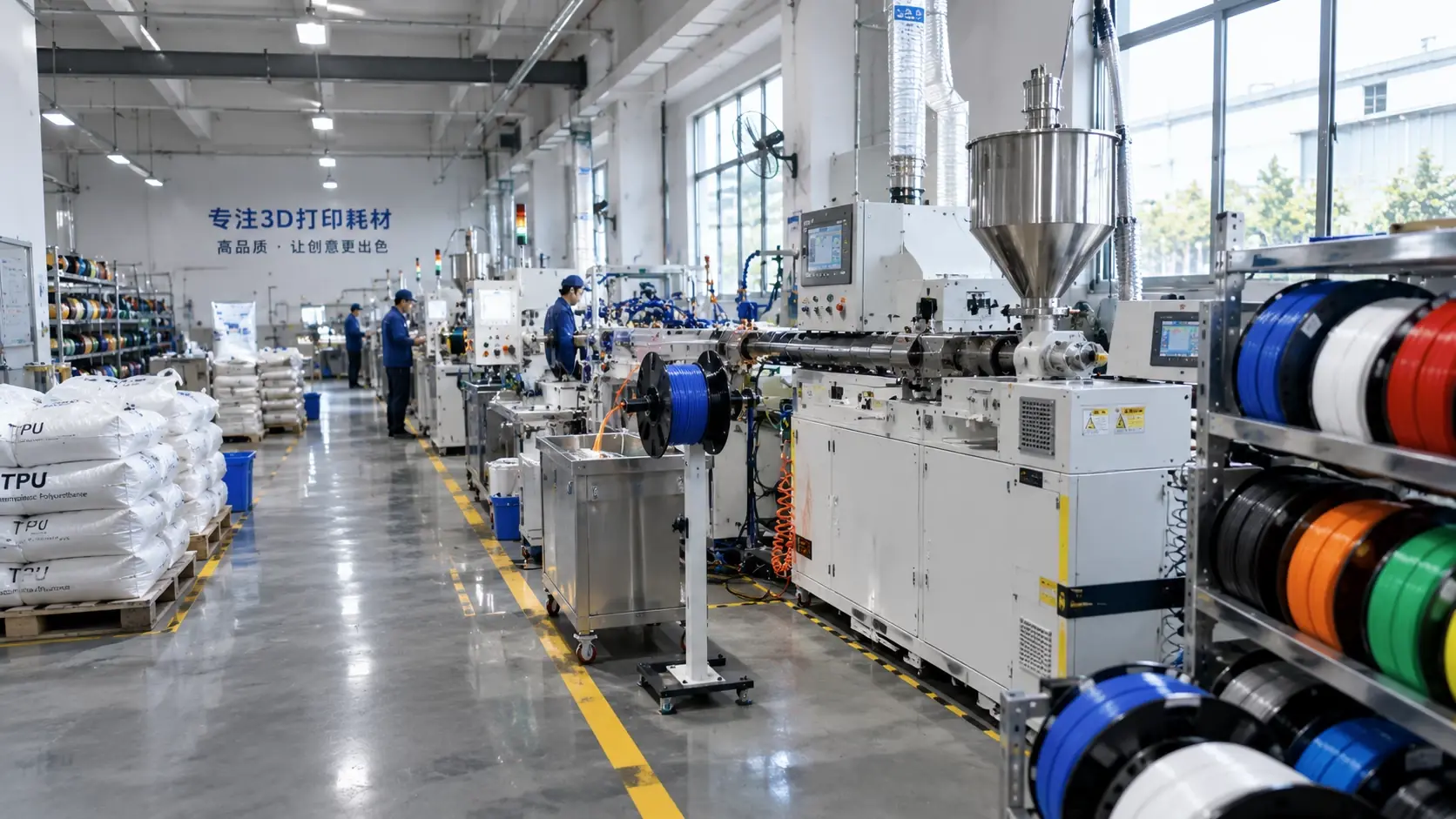
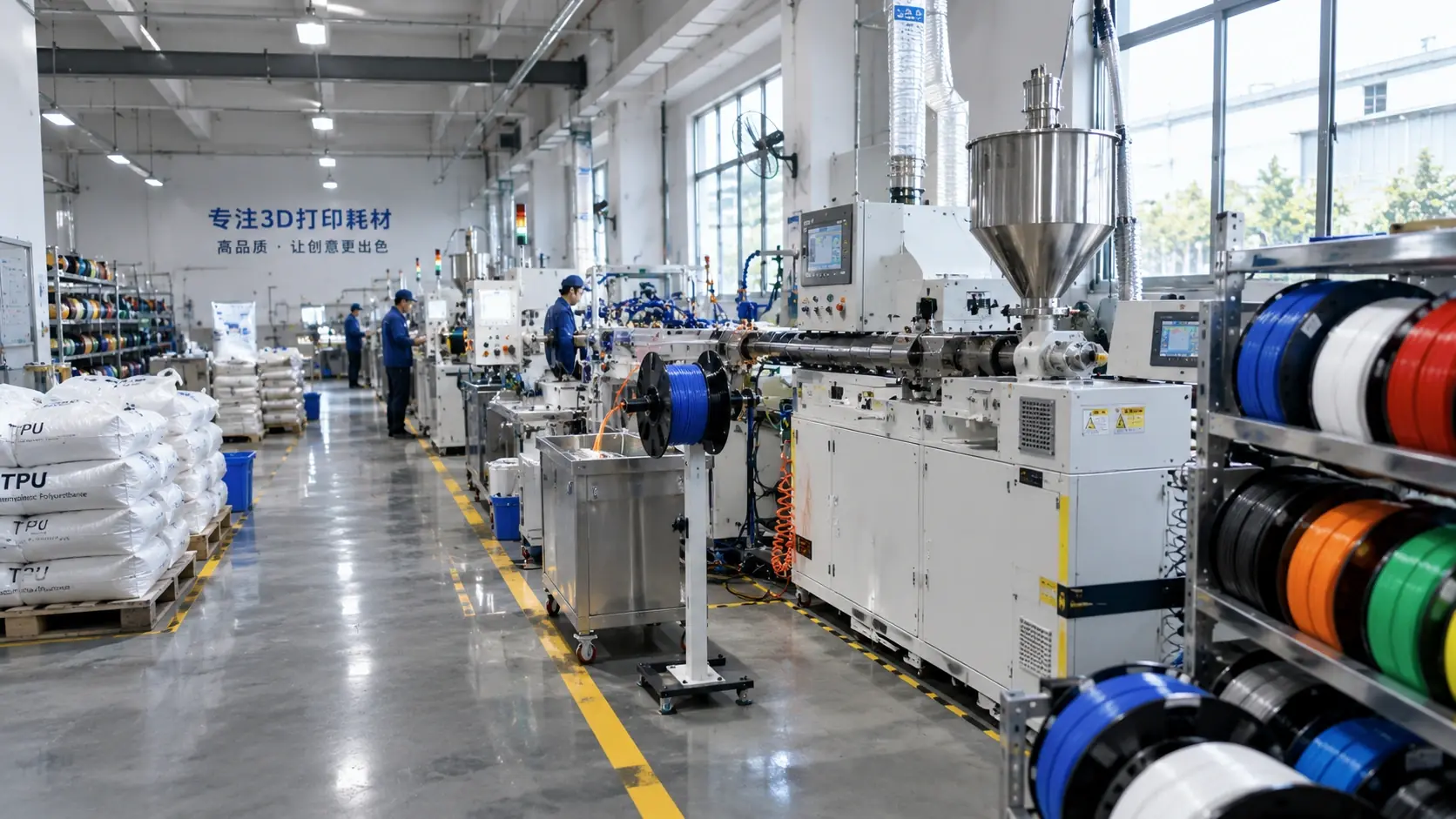
Diameter tolerance is a process variable, not a catalogue detail. Small changes in ovality or average diameter alter flow, first-layer squash, wall thickness and dimensional repeatability across the spool.
What tolerance actually changes
- Extrusion width and flow rate
- First-layer gap
- Wall thickness and fit
- Stringing and pressure stability
Measure like a production engineer
Measure at several points across the spool and around the circumference. Record maximum, minimum and average diameter, then compare them with the slicer’s filament diameter setting. A single measurement at the start of the spool is not enough.
Separate tolerance from calibration
- Calibrate e-steps and flow with a known-good filament
- Then measure the suspect spool
- Record the lot number and drying state
- Repeat after the spool has been rewound
Control incoming lots
Set an incoming inspection limit, keep a sample length, and quarantine lots that fall outside the limit. For precision parts, correlate the diameter record with measured wall thickness and fit.
| Symptom | Likely diameter issue | Measurement | Action |
|---|---|---|---|
| Changing extrusion width | Average diameter drift | Micrometer across spool | Quarantine or recalibrate |
| First layer too thin or thick | Local high or low points | Measure at several angles | Adjust Z offset after inspection |
| Weak walls | Undersized sections | Wall thickness check | Reject lot or slow down |
| Blobs and pressure spikes | Ovality or kinks | Diameter and straightness | Rewind or replace |
Common engineering mistakes
- Using nominal 1.75 mm as the actual diameter.
- Measuring only the first metre.
- Changing flow before checking the spool.
- Ignoring ovality.
- Mixing lots without recording them.
Checklist
- Is the filament diameter setting updated?
- Were several spool positions measured?
- Is ovality recorded?
- Is the lot number traceable?
- Was the part measured after printing?
Send your diameter specification and inspection requirement through the request form for a lot-control quotation.