
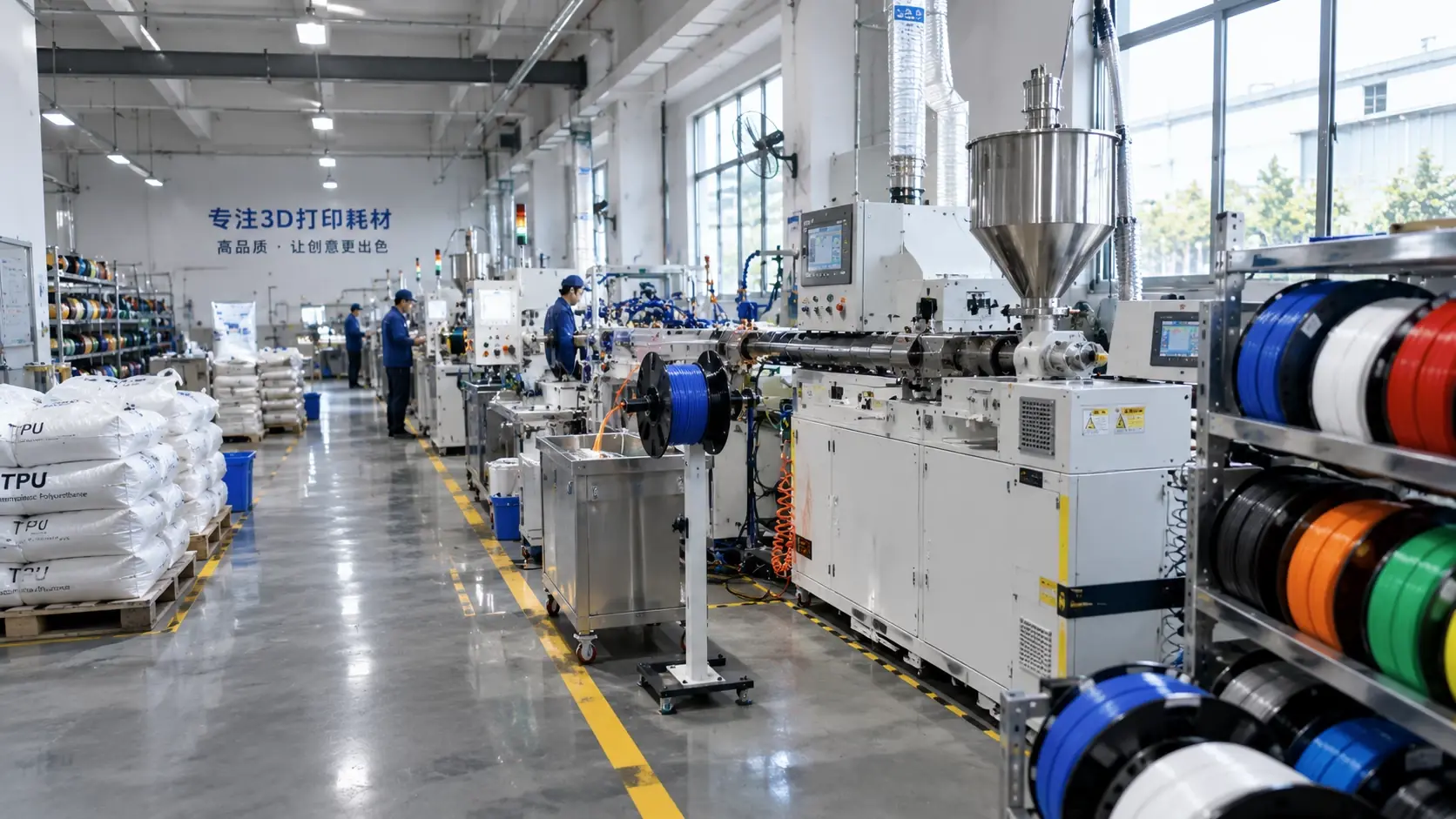
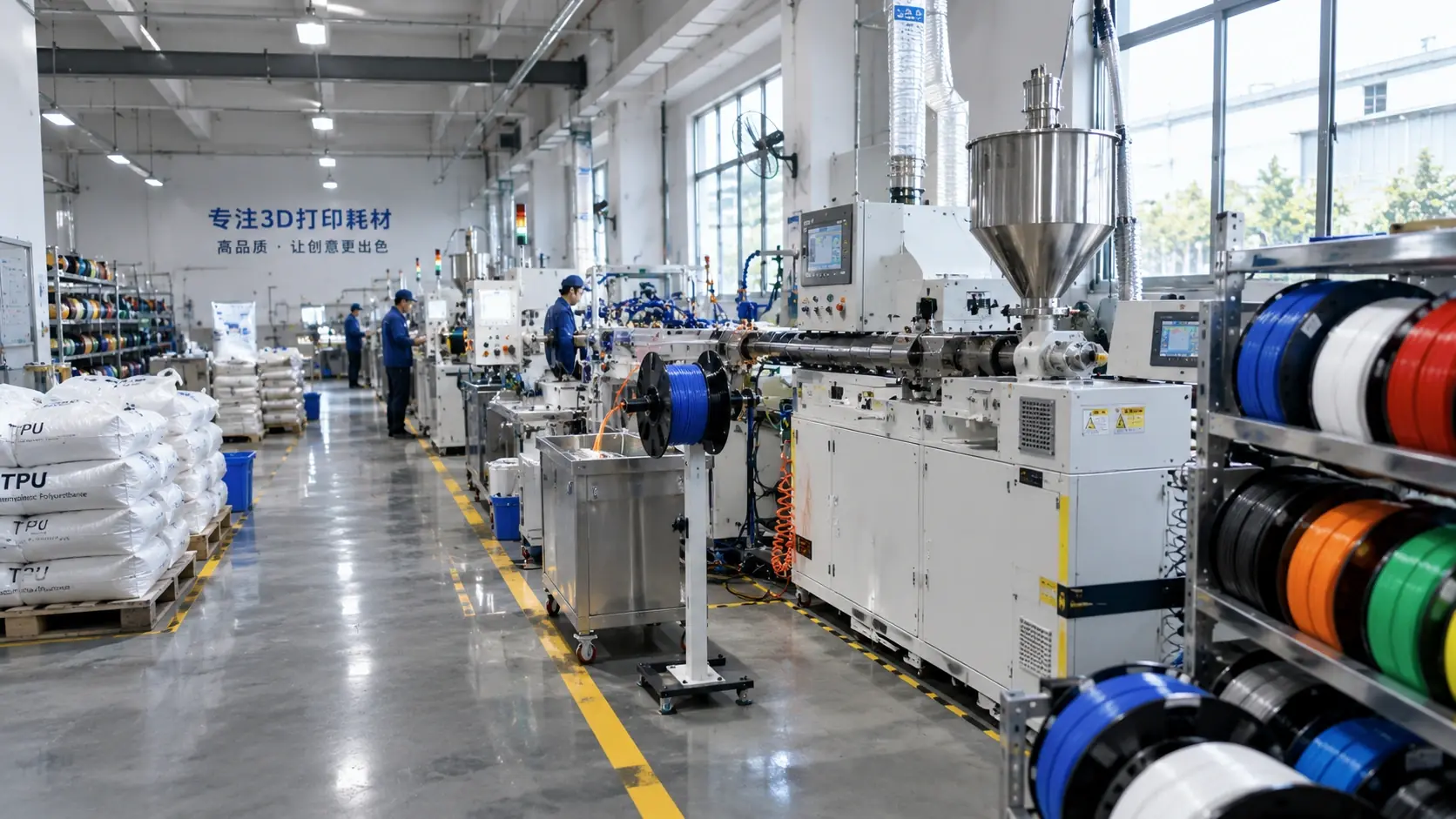
Filament colour is both an aesthetic and a functional choice. Pigments can change opacity, surface finish, UV response and mechanical behaviour, so the same polymer in two colours may not print or perform identically.
Decorative versus functional
- Colour matching and batch consistency
- Opacity and light transmission
- Surface gloss
- UV and colour stability
Functional colour signals
Use colour to identify material, hardness, diameter or revision. In industrial settings, a fixed colour code reduces mixing errors and makes inventory inspection faster.
Check the process effect
- Pigment loading and flow
- Layer visibility
- Stringing
- Mechanical properties
Validate the lot
Compare a physical master sample under controlled light. Print the real part and check colour, surface and function. Record the pigment lot and print profile.
| Criterion | Decorative print | Functional print | Control |
|---|---|---|---|
| Colour match | Important | Important | Master sample |
| Opacity | Aesthetic | Function/light | Measurement |
| UV stability | Depends | Critical outdoors | Material data |
| Batch consistency | High | Very high | Delta E and lot |
| Mechanical effect | Low priority | Must be tested | Part test |
Common engineering mistakes
- Choosing colour from a screen.
- Assuming all colours print the same.
- Ignoring pigment lot changes.
- Using colour as the only material identifier.
- Skipping the real-part test.
Checklist
- Is the colour target physical?
- Is the pigment lot recorded?
- Is opacity specified?
- Is UV stability required?
- Was the real part tested?
Discuss colour matching and functional colour codes through the quote form.