
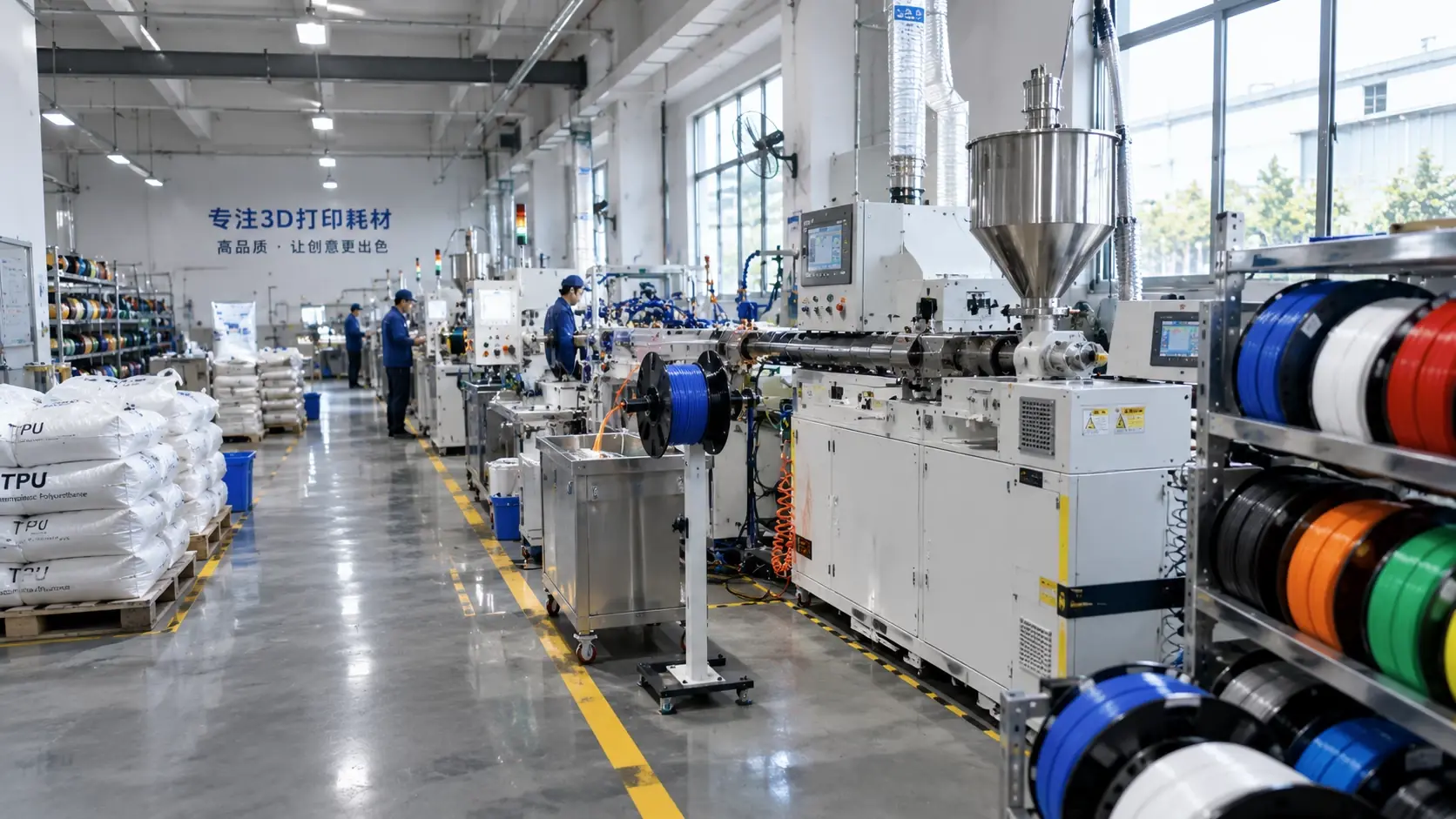
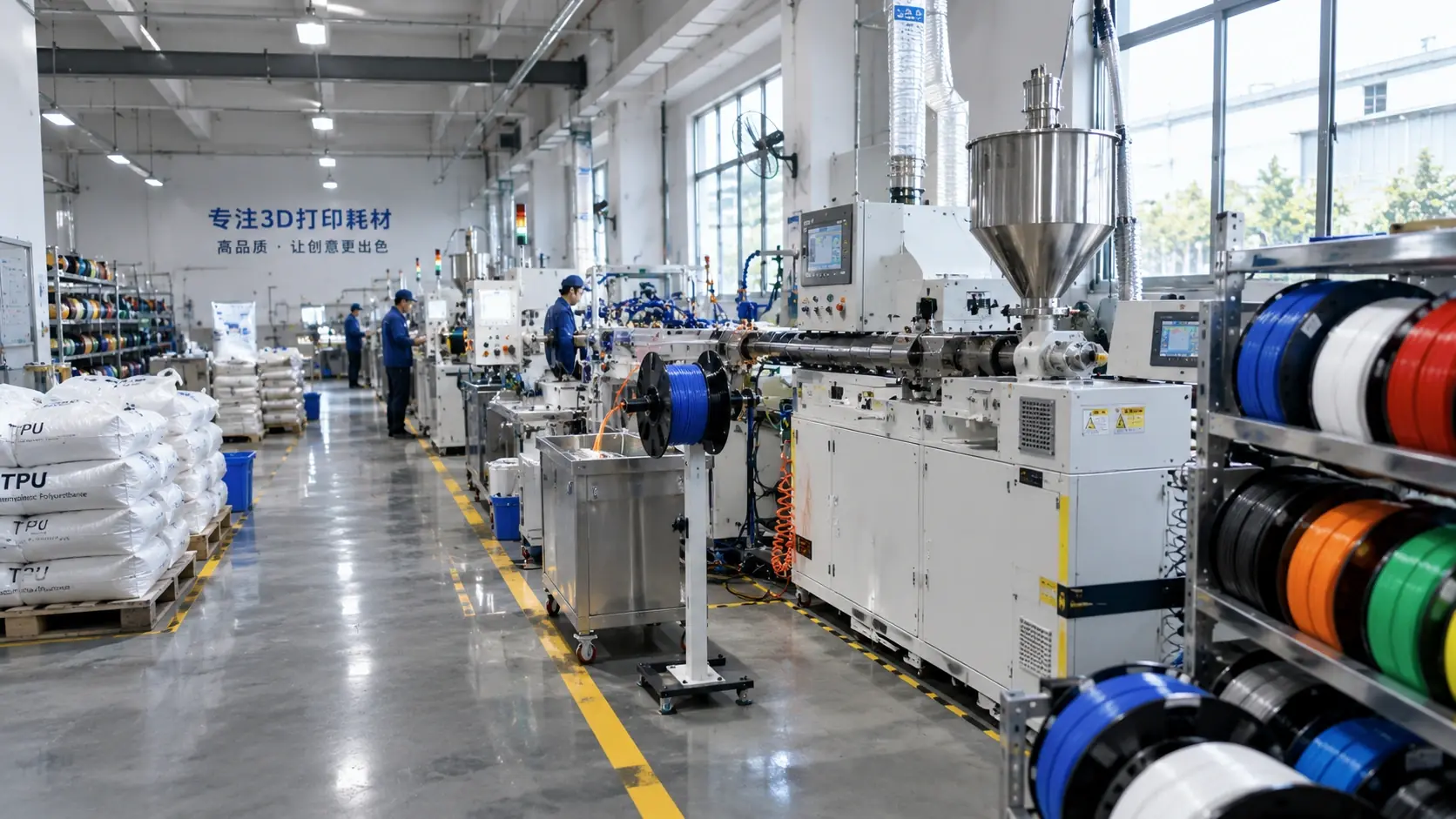
Moisture changes how PLA feeds, foams and bonds. Drying usually improves surface quality and extrusion stability, but the right temperature and time depend on the spool, storage history and dryer. Confirm with a small trial before running a full job.
Recognise the symptoms
- Random popping or steam at the nozzle.
- Rough surface and inconsistent extrusion.
- Weak layer adhesion after otherwise stable printing.
Dry and protect the spool
- Use a filament dryer or controlled oven within the supplier limit.
- Dry the whole spool, not only the exposed surface.
- Store with desiccant and a sealed container after cooling.
Validate after drying
Print the same test model and compare mass, surface and strength. A short drying cycle may be enough for light moisture; old open spools can need longer.
| Check | Why it matters | Practical response |
|---|---|---|
| Storage | Moisture uptake starts immediately | Seal with desiccant |
| Drying | Temperature and time must suit the spool | Follow a controlled cycle |
| Printing | Steam disrupts flow | Reduce speed until stable |
| Inspection | Surface alone can mislead | Check strength and mass |
Common engineering mistakes
- Judging dryness by touch.
- Using oven temperature above the spool or filament limit.
- Drying only a few metres of filament.
- Returning a hot spool to an open shelf.
- Changing several print settings at once.
Buyer checklist
- Was the spool stored sealed?
- Is the dryer temperature verified?
- Was a before/after print compared?
- Are desiccant and storage conditions recorded?
- Is the issue repeatable on another spool?
Tell us the material, spool history and printing symptom through the quote form and we will help narrow the cause.